HiTV App Not Working? Easy Fixes To Solve Streaming Issues
When your HiTV App Not Working, it can feel frustrating, especially if you were in the middle of your favorite drama or live match. Apps like HiTV rely on several things at once: your internet speed, device performance, server status, and even small updates that often go unnoticed. If one of these fails, the whole app experience breaks down. The good news is, most problems don’t need a tech expert. With a few simple but effective steps, you can bring HiTV back to smooth streaming in minutes.
Common Reasons Why the HiTV App May Not Be Working
The HiTV app is a popular streaming platform, but like any digital service, it isn’t free from technical issues. Problems often appear when one or more factors in the streaming chain stop working correctly. Understanding these reasons helps you fix them faster without unnecessary guesswork.
Internet Connectivity Issues
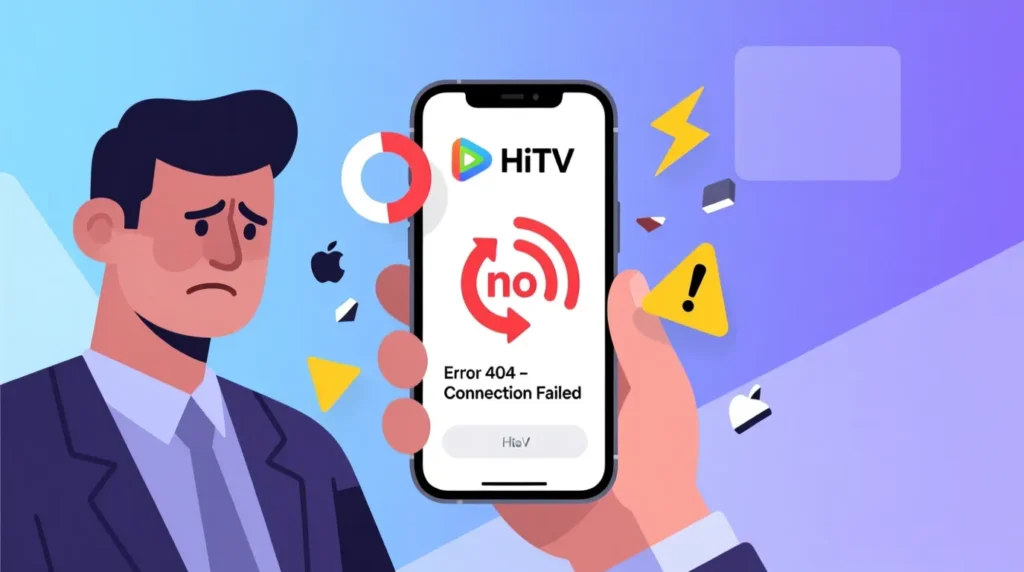
A weak or unstable internet connection is one of the most common causes of HiTV errors. Since HiTV streams high-quality video, it requires a steady flow of data. If your Wi-Fi signal drops, or mobile data is inconsistent, the app may keep buffering, freeze during playback, or fail to load completely.
App Glitches or Outdated Version
HiTV regularly updates its app to patch bugs and improve performance. If you are using an outdated version, you may face random crashes, login problems, or missing features. Bugs in older builds often interfere with smooth streaming until the app is updated.
Cache and Data Problems
Over time, the HiTV app stores temporary files on your device. While cache helps load content faster, corrupted or overloaded cache can cause the app to misbehave. This often leads to blank screens, “no content” errors, or sudden app crashes.
Device Compatibility Issues
HiTV is designed to run on a wide range of devices, but older models or unsupported systems may struggle. If your phone, tablet, or PC doesn’t meet the app’s requirements, you might experience lags, poor video quality, or even installation failures.
Regional Restrictions
In some countries, HiTV content may not be accessible due to licensing or government restrictions. If you are traveling abroad or living in a restricted region, the app may show an error message or fail to load its library altogether.
Server Downtime
Even when your internet and device are working fine, HiTV itself might be facing issues. During server maintenance or unexpected outages, streaming will stop for all users. In such cases, waiting until HiTV resolves the problem is often the only solution.
Step-by-Step Fixes for HiTV App Not Working
If your HiTV app refuses to work, you don’t always need a professional to solve the problem. Most issues can be fixed at home in just a few minutes. Follow these step-by-step solutions to get your streaming back on track.
1. Check Your Internet Connection
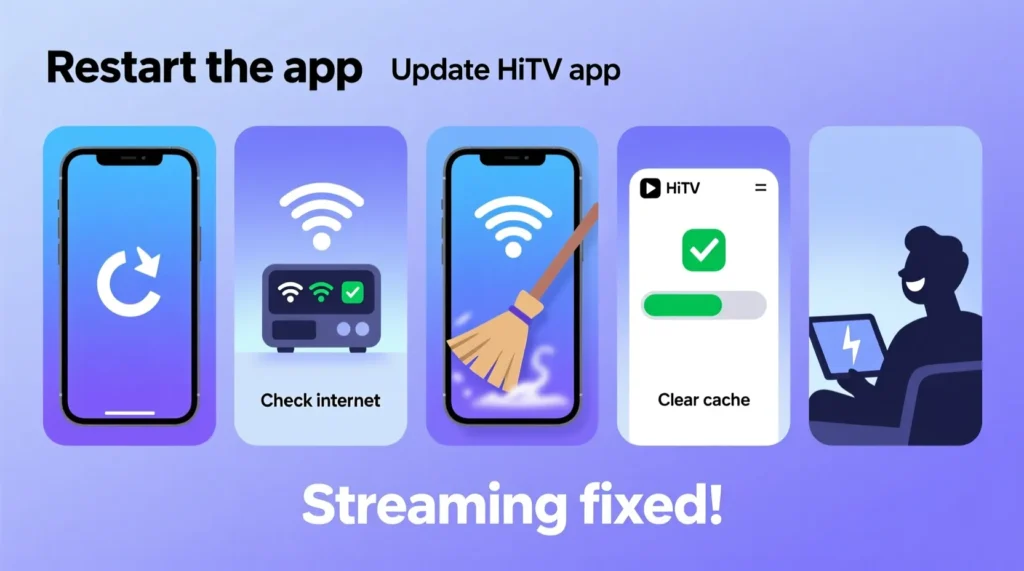
Streaming depends on stable internet. Try switching between Wi-Fi and mobile data to see if performance improves. If your Wi-Fi is slow, restarting the router or moving closer to the signal source often helps.
2. Restart the HiTV App
Sometimes the app just needs a fresh start. Closing HiTV completely and opening it again clears minor glitches and refreshes the connection.
3. Clear App Cache and Data
Stored cache may speed things up, but when it gets corrupted, the app misbehaves.
For Android Users: Go to Settings → Apps → HiTV → Storage → Clear Cache/Data.
For iPhone Users: Offload the app from settings, then reinstall it.
4. Update the HiTV App
An outdated app is a common reason for crashes. Visit the Google Play Store or Apple App Store, search for HiTV, and tap “Update.” This ensures you have the latest bug fixes and new features.
5. Restart Your Device
Restarting your phone or computer refreshes the operating system and clears background processes that may interfere with HiTV.
6. Check for System/OS Updates
Running an old operating system can cause compatibility problems. Updating your Android, iOS, Windows, or macOS can resolve hidden bugs that affect HiTV performance.
7. Reinstall the HiTV App
If clearing cache or updating doesn’t help, uninstall HiTV completely and reinstall it. This removes corrupted files and gives you a fresh start.
8. Check HiTV Server Status
Sometimes the problem isn’t with your device at all. If HiTV servers are down, you’ll face errors no matter what you do. You can check HiTV’s official social media or use tools like DownDetector to confirm outages.
9. Disable VPN or Proxy
If you’re using a VPN or proxy, HiTV may block the connection due to region restrictions or security checks. Turn it off and try again.
10. Check App Permissions
HiTV needs permission to access storage, internet, and sometimes notifications. If these permissions are disabled, the app may not run properly. Adjust them in your device’s app settings.
11. Free Up Device Storage
Low storage space can slow down apps and cause crashes. Delete unused files, apps, or clear junk storage to give HiTV more room to function.
12. Review Firewall and Antivirus Settings (For PC/Mac Users)
If you’re using HiTV on desktop, strong firewalls or antivirus programs might block its connection. Temporarily disabling them or whitelisting HiTV often solves the issue.
13. Use VPN (If Region Restricted)
In case HiTV is unavailable in your country, a trusted VPN can help bypass restrictions. Choose a reliable VPN with good speed to ensure smooth streaming.
Troubleshooting HiTV Issues by Device
Every device runs differently, and HiTV may not behave the same on Android, iOS, or desktop systems. That’s why fixing steps can also vary. Here’s a breakdown of what works best on each platform.
On iOS (iPhone & iPad)
HiTV works smoothly on Apple devices, but sometimes iOS restrictions or old versions cause errors.
Restart your iPhone or iPad to refresh the system memory. Make sure your iOS is updated to the latest version because older builds may not support HiTV fully. If the app keeps crashing, offload it from settings and reinstall. This clears corrupted data while keeping your account details safe.
On Android Devices
Android phones and tablets face cache overload more often. If HiTV shows a blank screen or fails to load videos, clear the app cache and data from settings. Ensure you are running the latest Android version for compatibility. Also check for free storage space, because low memory often leads to app crashes. If nothing works, reinstalling the app usually fixes the problem.
On Windows PC / Mac
If you’re using HiTV on desktop, both system settings and browser issues can cause trouble. Restart your computer and update your browser if you use the web version. Clear browser cache to remove broken files. For the app version, reinstalling is the most reliable fix. Also review firewall or antivirus rules, as they may block HiTV’s connection. On Mac, checking for the latest macOS updates often solves performance issues.
How to Prevent HiTV App Issues in the Future
Fixing the HiTV app is one part of the story, but preventing these issues from happening again saves you time and frustration. With a few simple habits, you can enjoy smooth streaming without frequent interruptions.
Keep the App Updated
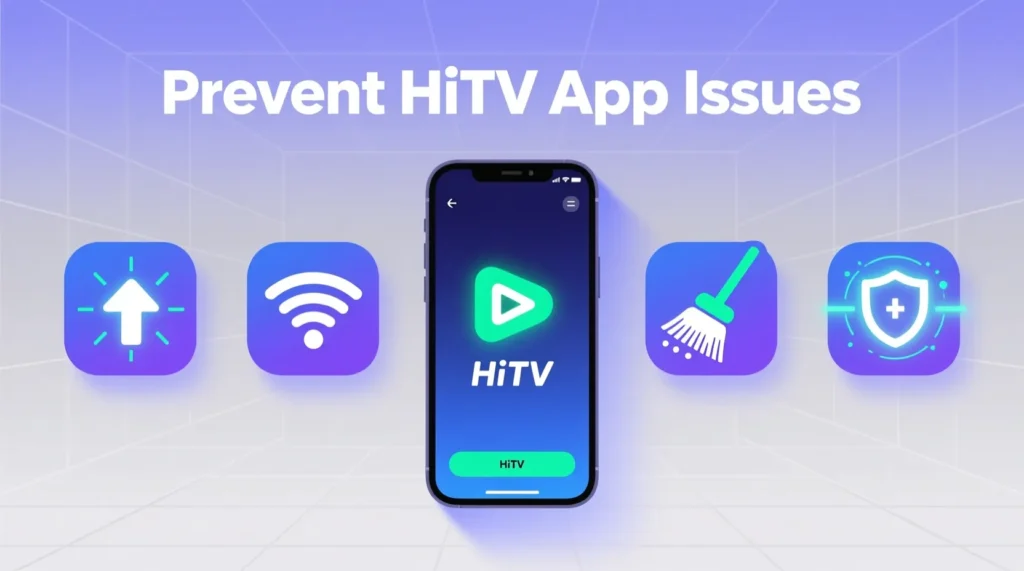
HiTV regularly releases updates to fix bugs and improve stability. Make it a routine to check it from https://hietvapk.com/ for new versions. Using the latest build reduces the chances of crashes or missing features.
Maintain a Stable Internet Connection
A strong internet connection is the backbone of streaming. Use a reliable Wi-Fi network, avoid crowded connections, and restart your router once in a while. Consistency in internet speed ensures that HiTV runs smoothly.
Clear Cache Regularly
Temporary files help speed up loading, but too much cache can overload your device. Clearing cache once every few weeks keeps the app light and responsive. This habit also prevents blank screen and data errors.
Ensure Device Compatibility
Old or unsupported devices often struggle with modern streaming apps. If possible, keep your operating system updated and avoid using HiTV on devices that no longer receive software support.
Monitor Storage Space
Low storage can silently affect performance. Freeing up space on your phone or PC ensures that HiTV has enough room to store temporary files and run properly.
Avoid Unreliable VPNs or Proxies
While VPNs can help in restricted regions, using low-quality or free VPN services may slow down or block the connection. Stick to trusted providers if you need to access HiTV abroad.
Frequently Asked Questions (FAQs)
Why is HiTV not on the App Store anymore?
HiTV sometimes disappears from the App Store due to policy violations, licensing issues, or temporary maintenance. If you can’t find it, it may be region-restricted or removed for an update.
Why did HiTV fail?
HiTV didn’t exactly fail, but it faced challenges like copyright concerns, unstable servers, and regional bans. These issues made it harder for the app to maintain a global presence.
In which countries is the HiTV app available?
HiTV is mainly available in regions where licensing agreements allow streaming. Its availability changes often, but it is more commonly accessible in Asian and Middle Eastern countries.
Is there any app like HiTV?
Yes, alternatives like Viki, WeTV, and iQIYI provide similar Asian drama and entertainment content. These platforms are officially licensed and more stable.
Why did an app disappear from the App Store?
Apps may disappear due to violations of Apple’s policies, developer removals, or country-specific restrictions. Sometimes developers pull the app to release an updated version.
How do I change the region on my iPhone?
Go to Settings → Apple ID → Media & Purchases → View Account → Country/Region. Choose a new country, accept the terms, and add a valid payment method for that region.
Which country made HiTV?
HiTV is believed to be developed in Asia, focusing heavily on Korean, Chinese, and other Asian drama content.
Which app is best for free K-dramas?
For free streaming, apps like Viki (with ads), Kocowa, and AsianCrush are popular choices. Some offer limited episodes for free, while full access requires a subscription.
What is better than Viki?
If you want alternatives, iQIYI and WeTV are strong options. They provide licensed dramas with smoother streaming and wider availability than most free apps.
Conclusion
Not being able to use the HiTV app can be frustrating, but in most cases, the issue is easy to fix. Whether it’s checking your internet connection, updating the app, or clearing the cache, these small steps often solve the problem. For iOS and Android users, we’ve already explained the best ways to get HiTV running smoothly.
However, if the app is still not working or it has disappeared from the App Store or Play Store, don’t worry. You can simply download the latest HiTV APK directly from our website and continue watching your favorite dramas and shows without any interruptions.
The HiTV APK we provide is safe, updated, and easy to install. With it, you can enjoy unlimited Korean dramas, Asian shows, and much more anytime, anywhere.
So instead of waiting, just click the download link above and get the HiTV Mod APK now to enjoy smooth and free streaming.